
I have a soft spot for the tiny FX-4CR, and I enjoy digital modes just as much. That is why I have already written two posts about the radio and getting FT8 running on a Mac: my original FX-4CR and WSJT-X guide and the version 2.2 update to that setup blueprint. If you are still sorting out the USB cable, CAT, audio routing, or WSJT-X settings, those guides are still useful.
But from the start, I had one nagging thought: WSJT-X and its relatives felt like a lot of software for this little radio, and they did not give me all the flexibility I wanted. You may disagree, and that is perfectly fair. I simply like to shape my software around the radio I use, rather than the other way around.
So, about two months ago, I started building a small tool for this radio family, with recent AI coding tools helping along the way. Its name is FX-Utility: compact and straightforward, much like the FX-4CR itself, but with plenty under the hood. As we say: small pepper, surprisingly hot! I plan to make the project repository public shortly; for now, you can bookmark its address: github.com/fact0real/FX-Utility.
Finally, on the air
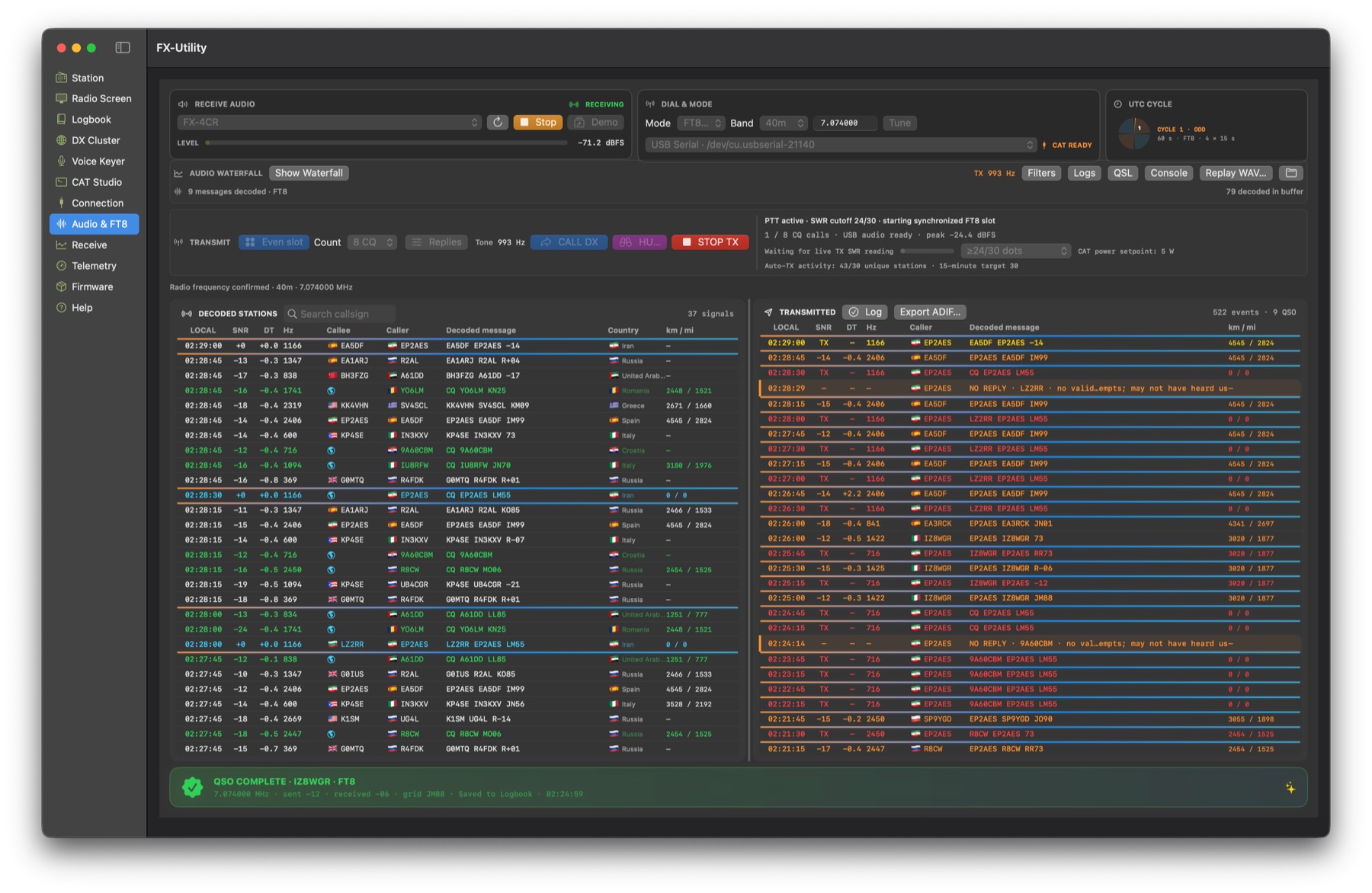
Last night, after finishing the digital-mode work, I spent about eight hours operating FT8 with the FX-4CR and FX-Utility and completed roughly 56 successful contacts. For me, that number was more than a nice result. It meant the audio path, decoder, UTC slot timing, CAT control, transmit and receive sequence, and QSO logging were finally working together.
The main workspace puts receive-audio status, band and dial frequency, the FT8 cycle clock, audio waterfall, decoded stations, and transmitted messages in one place. You can start a directed contact or call CQ, then save the completed exchange to the logbook.
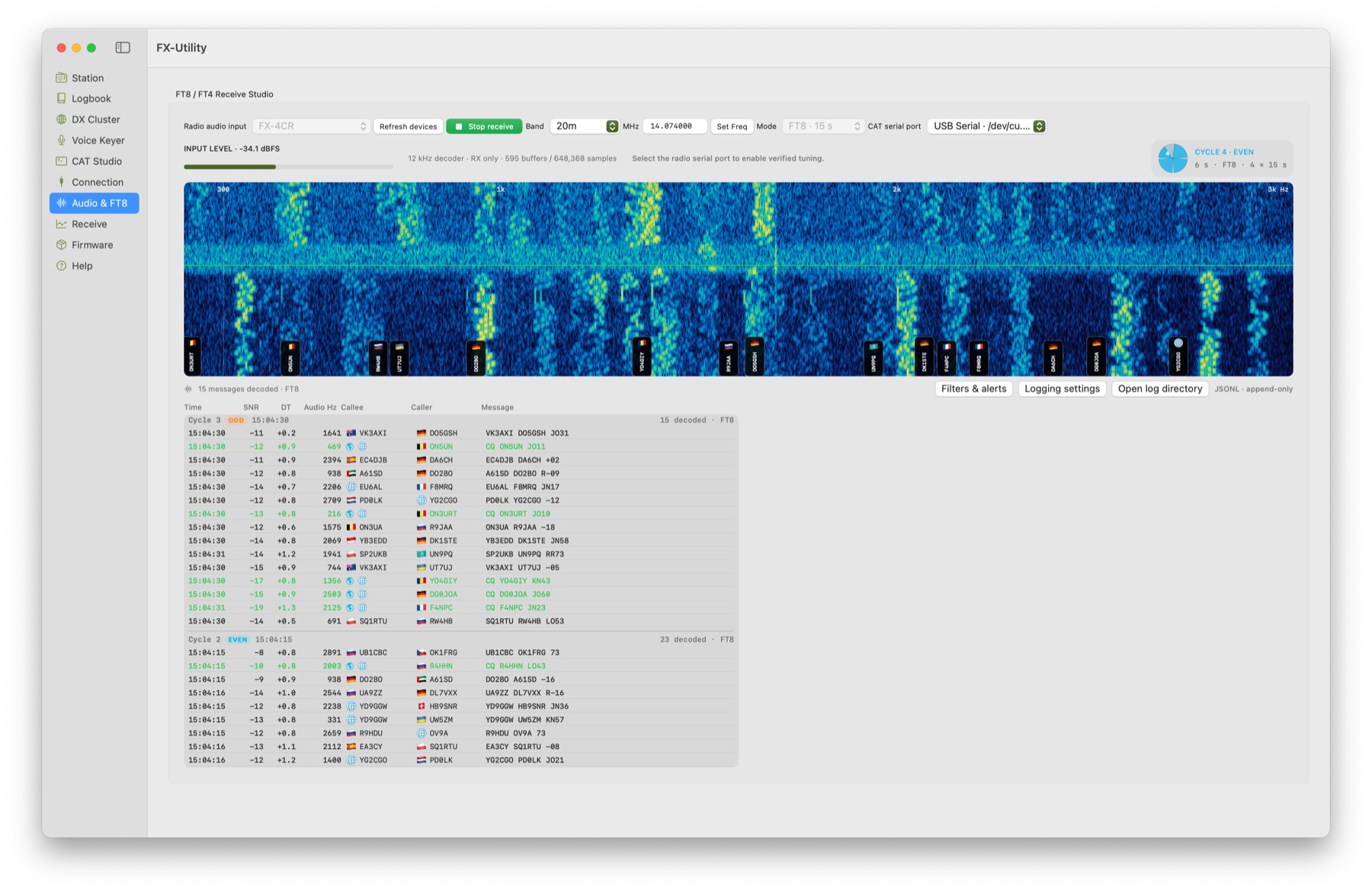
The receive view shows the waterfall, 15-second FT8 cycles, and decoded messages. This is the 200-3000 Hz audio spectrum, not an RF panadapter. To let the application control frequency, select the radio’s CAT port as well.
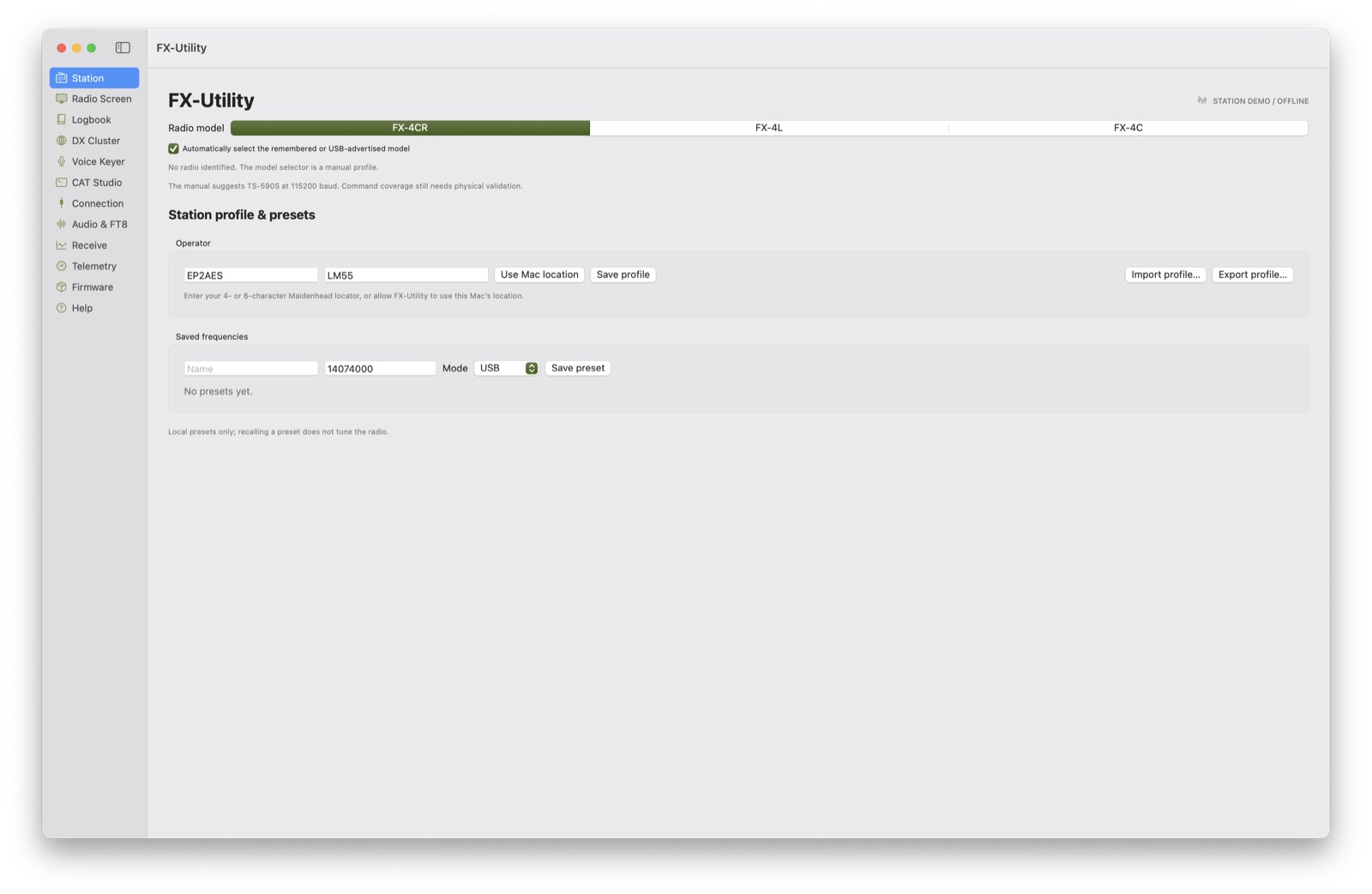
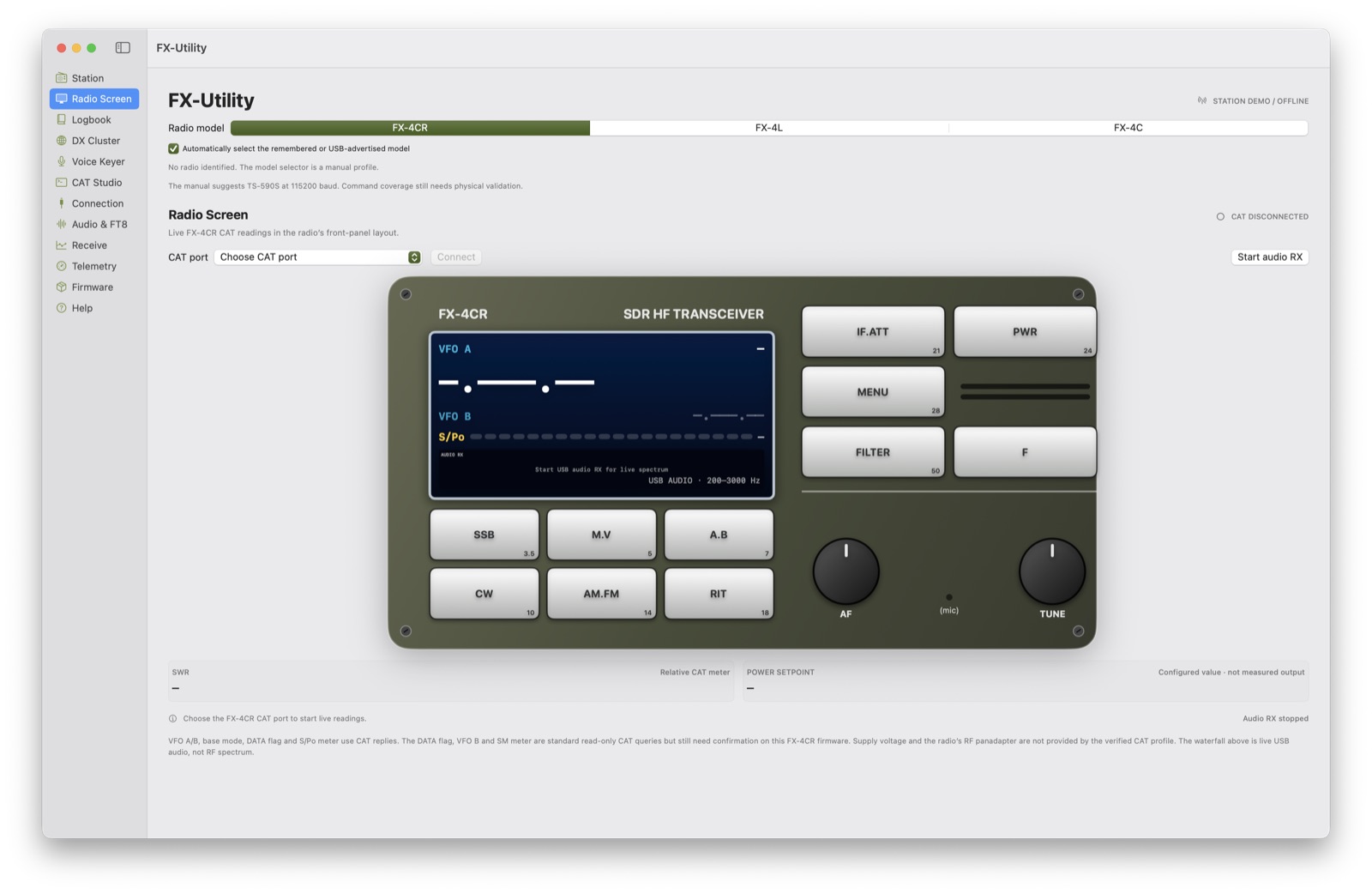
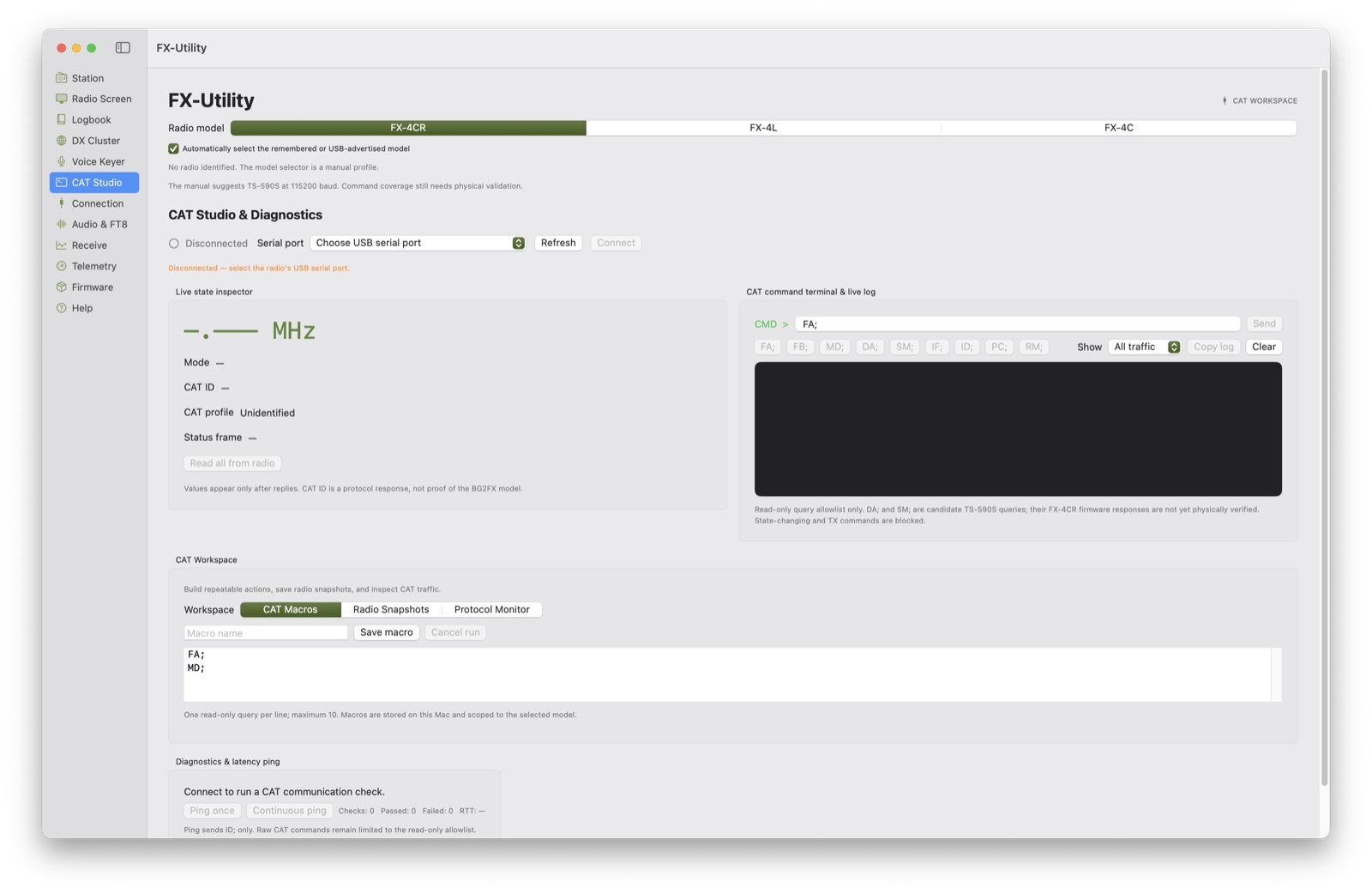
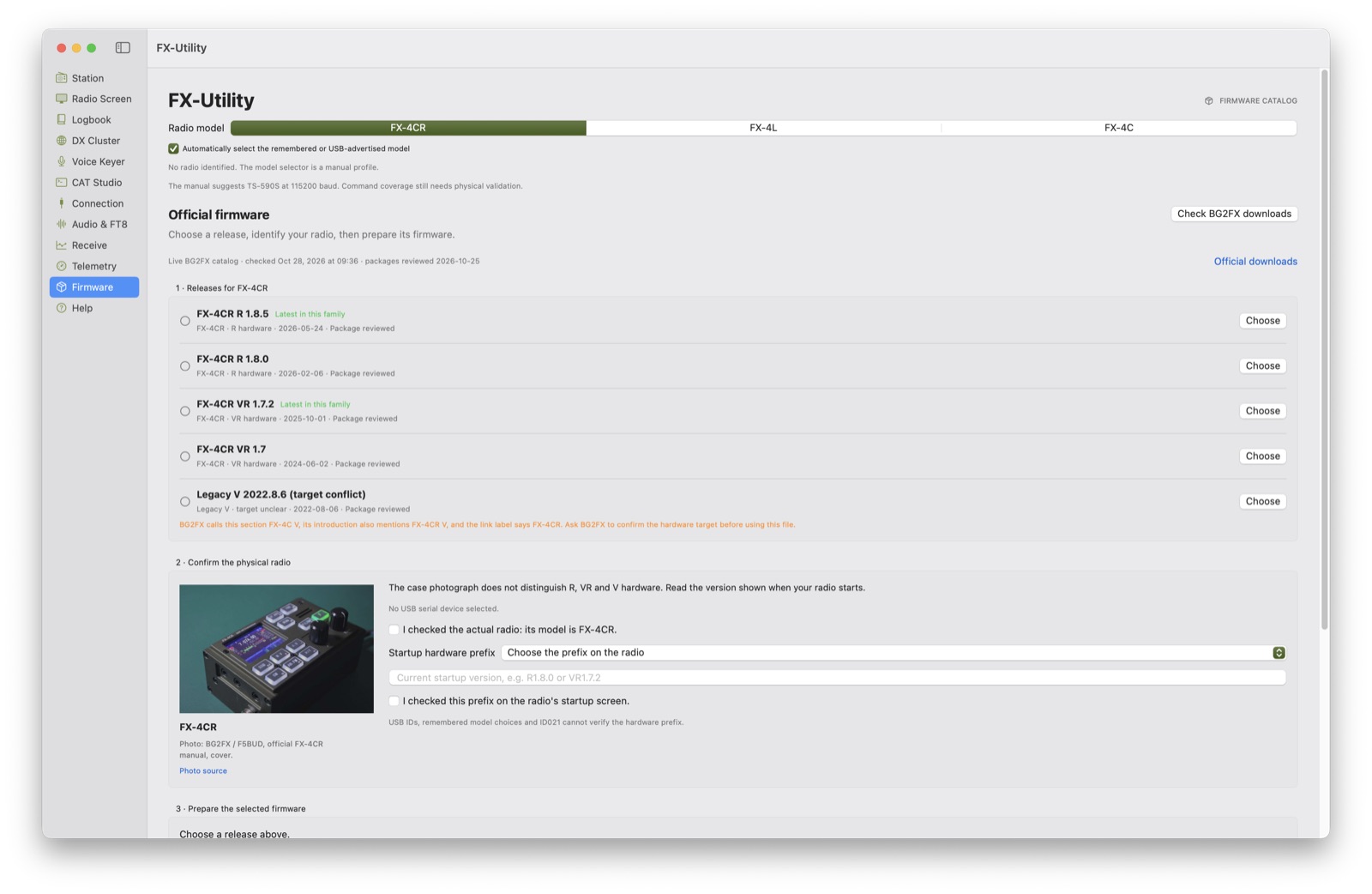
FX-Utility is more than an FT8 window. Station holds the operator profile and saved frequencies; Radio Screen presents radio readings in a front-panel-style view; CAT Studio helps inspect and troubleshoot CAT traffic; and Logbook stores contacts and supports ADIF import and export. The Firmware page is designed to review official packages and prepare a model-aware update.
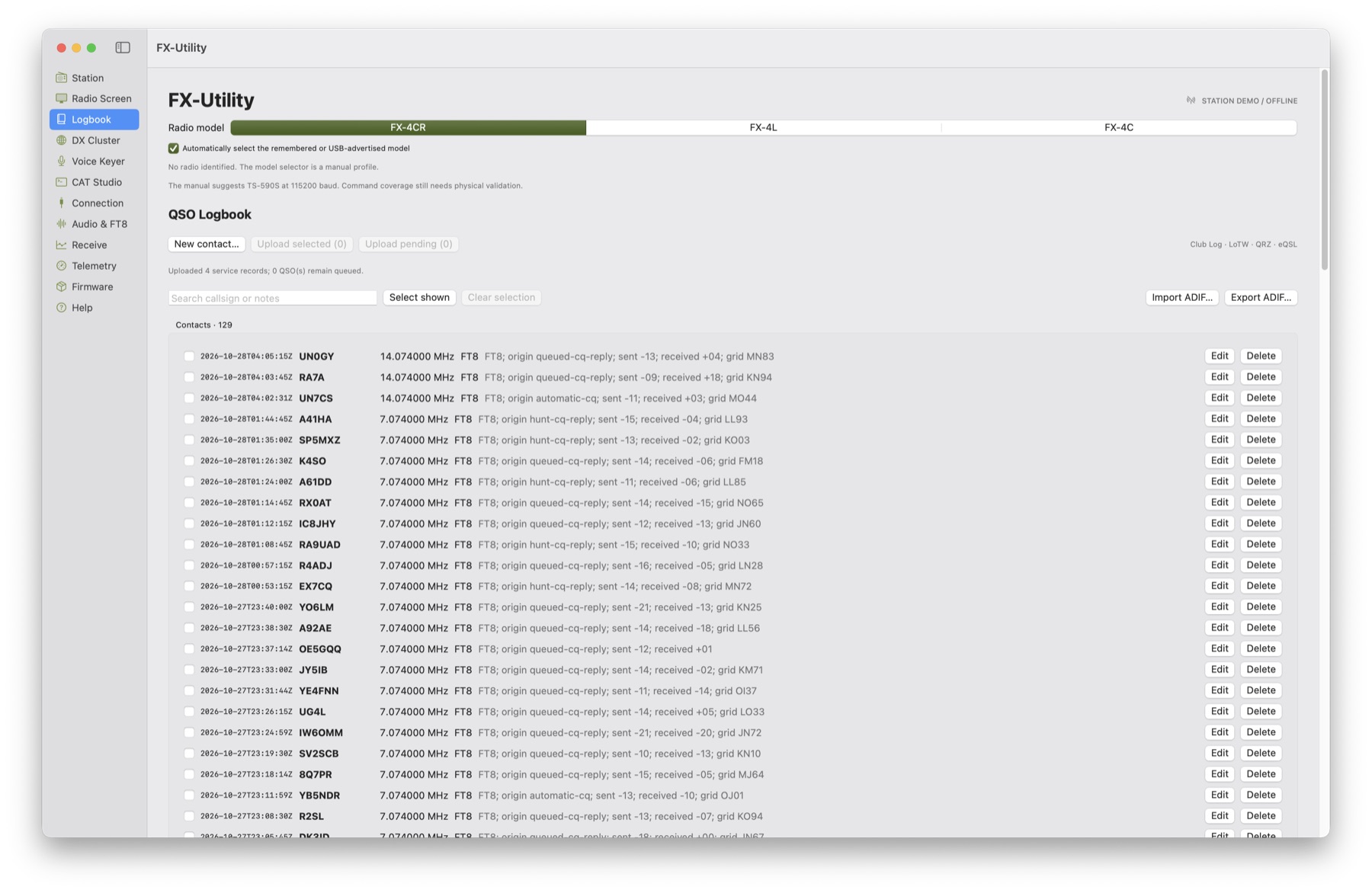
Completed contacts stay in the Logbook, where they can be searched, edited, and exported as ADIF.
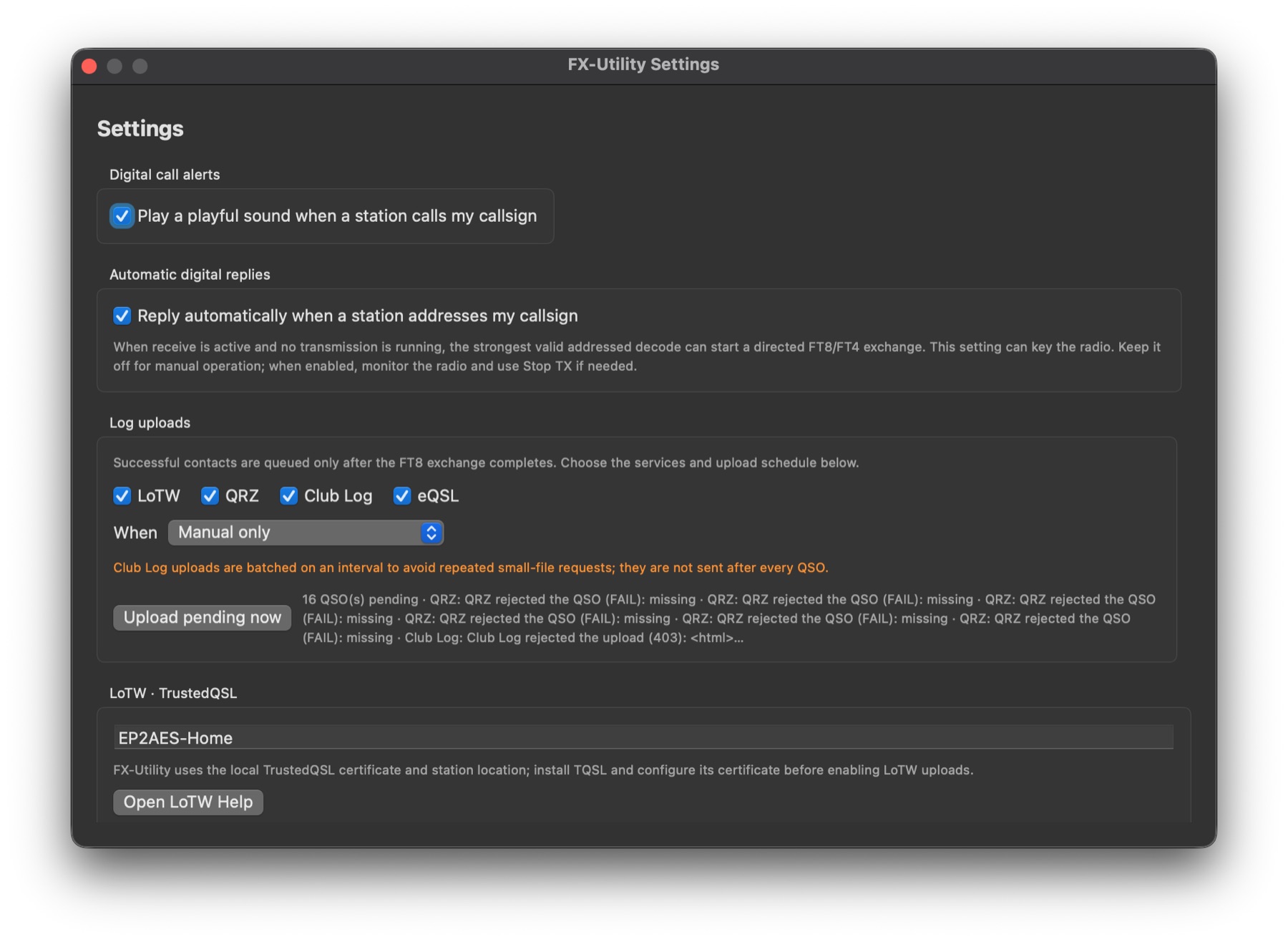
The settings also include alerts when someone calls my callsign, optional automatic replies to addressed messages, and a queue for completed QSOs destined for services such as LoTW, QRZ, Club Log, and eQSL. Automatic replies can key the radio, so keep that feature off during manual operation and monitor the radio if you enable it. Service uploads also need your own account details and configuration.
A few technical knots along the way
This was not a matter of “press a button and FT8 happens.” The earlier Mac setup posts cover some of the hardware wrinkles, including the FX-4CR’s sensitivity to direct USB-C-to-USB-C connections, disabling internal Bluetooth when it causes port conflicts, choosing a /dev/cu.* serial port, and keeping USB audio separate from the CAT serial link. A few other details needed careful work in FX-Utility itself:
- FT8 timing: Decoding and transmitting have to follow UTC slot boundaries. A busy waterfall does not help if the clock or audio path is out of sync.
- CAT replies and the power guard: One power-read query initially waited only 250 ms for a response, while other CAT queries allowed 1.5 seconds. A valid low-power setting could therefore look unavailable and block transmit unnecessarily. I aligned the timeout with the other queries and kept the transmit safety check in place.
- Audio calibration: The Mac’s output-volume value does not tell you how many RF watts are reaching the antenna. Start low, use an RF wattmeter, and watch the radio’s ALC and signal quality.
- PTT and the amplifier: To get more power, I used the Xiegu GPA100 and connected the radio’s
PTT.OUTto the amplifier’sSEND/KEYinput with a UGREEN cable. A simple cable connection can still derail the whole setup if the cable or input is wrong; a plug fitting the socket does not prove the PTT wiring is correct.
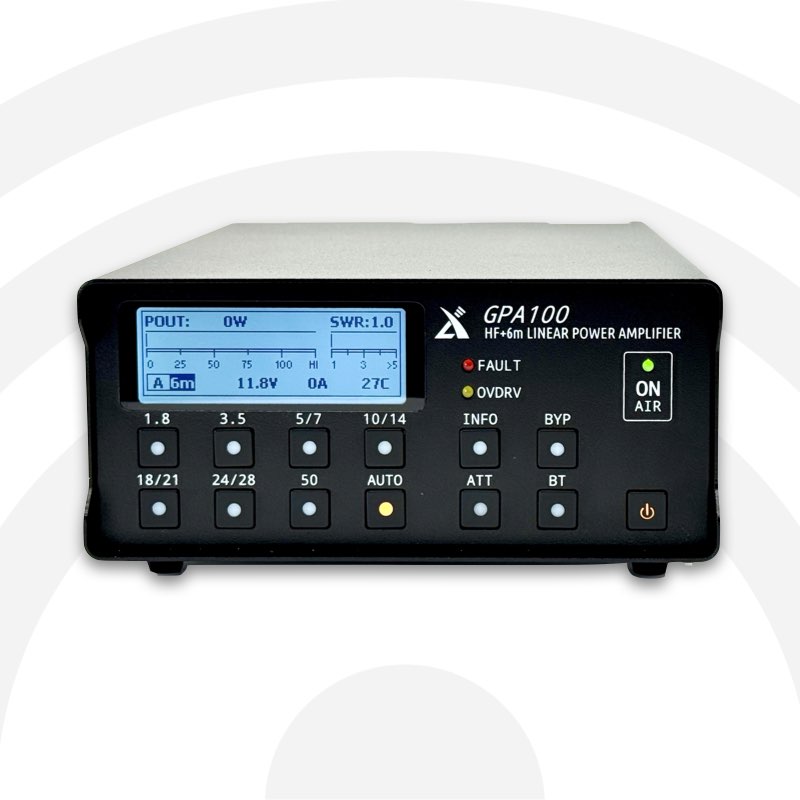
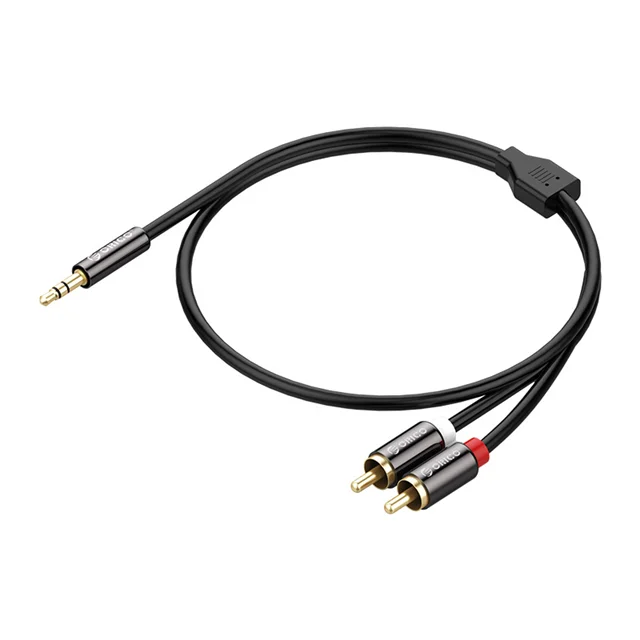
The FX-4CR is a QRP radio, while the GPA100 can produce much higher RF power. Check the amplifier’s input limit in its manual, use a suitable matched antenna or dummy load, and verify output with an RF wattmeter. Start conservatively, watch SWR and temperature, and remember that a CAT power setpoint is not a measurement of actual RF output.
The FT8 guide, now at version 3.0
I have also prepared an updated FT8_on_FX_4CR guide. Version 3.0 keeps the earlier WSJT-X setup and its cable, CAT, and calibration notes, then adds an illustrated FX-Utility chapter covering the FT8/FT4 workflow and this field session:
Download the FX-4CR macOS Digital Modes Guide, version 3.0
Your turn
If you own an FX-4CR and operate digital modes on a Mac, I would love for you to try FX-Utility and share what you find. Details such as firmware version, USB audio device, serial adapter, band, and any unexpected behavior will help me improve it faster and more carefully.
Found a bug, missing feature, or a better way to do something? Send me a note. Real reports from your own station are the best fuel for the next release.
73 de EP2AES - hope to hear you on the bands!
AFTER THE BEEP
Continue the conversation
Comments are kept intentionally quiet for now. Questions, corrections, and signal reports are welcome by email.
Reply by email