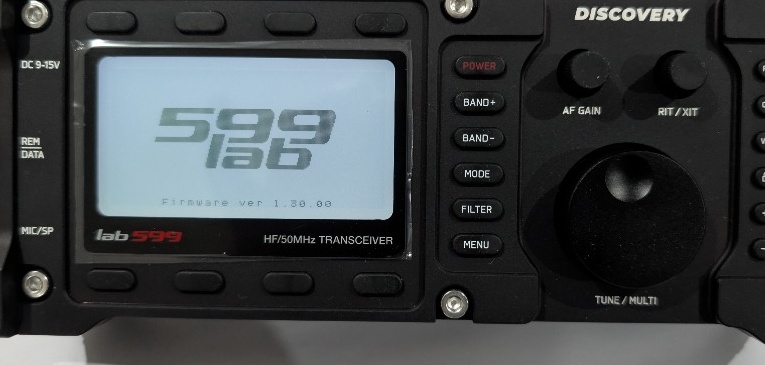
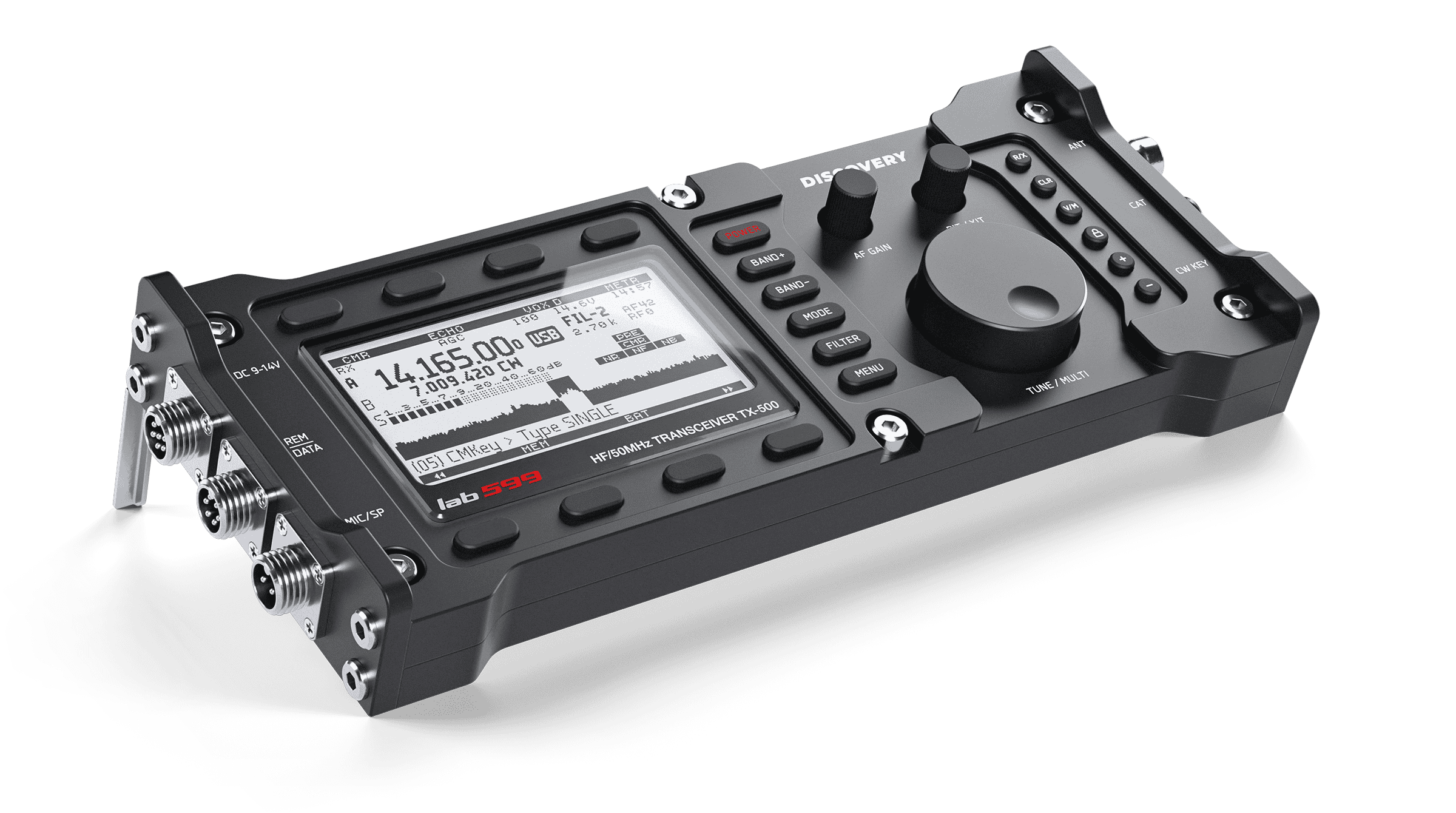
Operating the FX-4CR Transceiver on macOS: A Complete Blueprint for FT8 / WSJT-X
When I got my FX-4CR transceiver, setting it up on my M-series MacBook Air for digital modes like FT8 turned into quite a puzzle. Information was scattered across various forums, and I encountered several unexpected hurdles—from USB driver myths to protocol error codes.
To save fellow Mac ham operators from the same headache, I compiled a comprehensive, step-by-step PDF blueprint detailing the exact hardware setup, software calibration, and troubleshooting procedures.
Key Highlights Covered in the Guide:
- USB-C Cable Negotiation Bug: Why USB-C to USB-C cables fail and why a USB-C to USB-A data cable + adapter is strictly required.
- Internal Bluetooth Fix: Turning off parameter
1in the radio menu to resolve serial conflicts. - CM108AH Driver Myth: Clarifying native macOS USB Audio class compliance (no extra drivers needed!).
- Hamlib Protocol Error (-8) Resolution: Exact WSJT-X settings (Kenwood TS-590S / USB Mode / Fake It) to fix CAT control timeouts.
- Audio & ALC Calibration: Setting RX volume (18–24) and using macOS Audio MIDI Setup (450–600) for zero-ALC transmit signals.
- Active Thermal Management: A simple, ice-cooling technique to keep the FX-4CR silent and heat-stable during continuous digital sessions.
The document is fully formatted in LaTeX, complete with high-resolution screenshot placeholders and calibration targets. Feel free to download it below!
📄 Download Free PDF Guide (v1.0)